Electron + Vue 3 ยท Open Source

Myriad Frame

A free, open-source desktop front-end for stable-diffusion.cpp. Manage chat sessions, download and select models, and drive image/video generation through a bundled sd-cli runtime โ€” all in one place.

What it does

Everything you need to generate images locally

A clean, JSON-driven desktop app that keeps all behavior easy to configure.

๐Ÿ’ฌ

Session & chat management

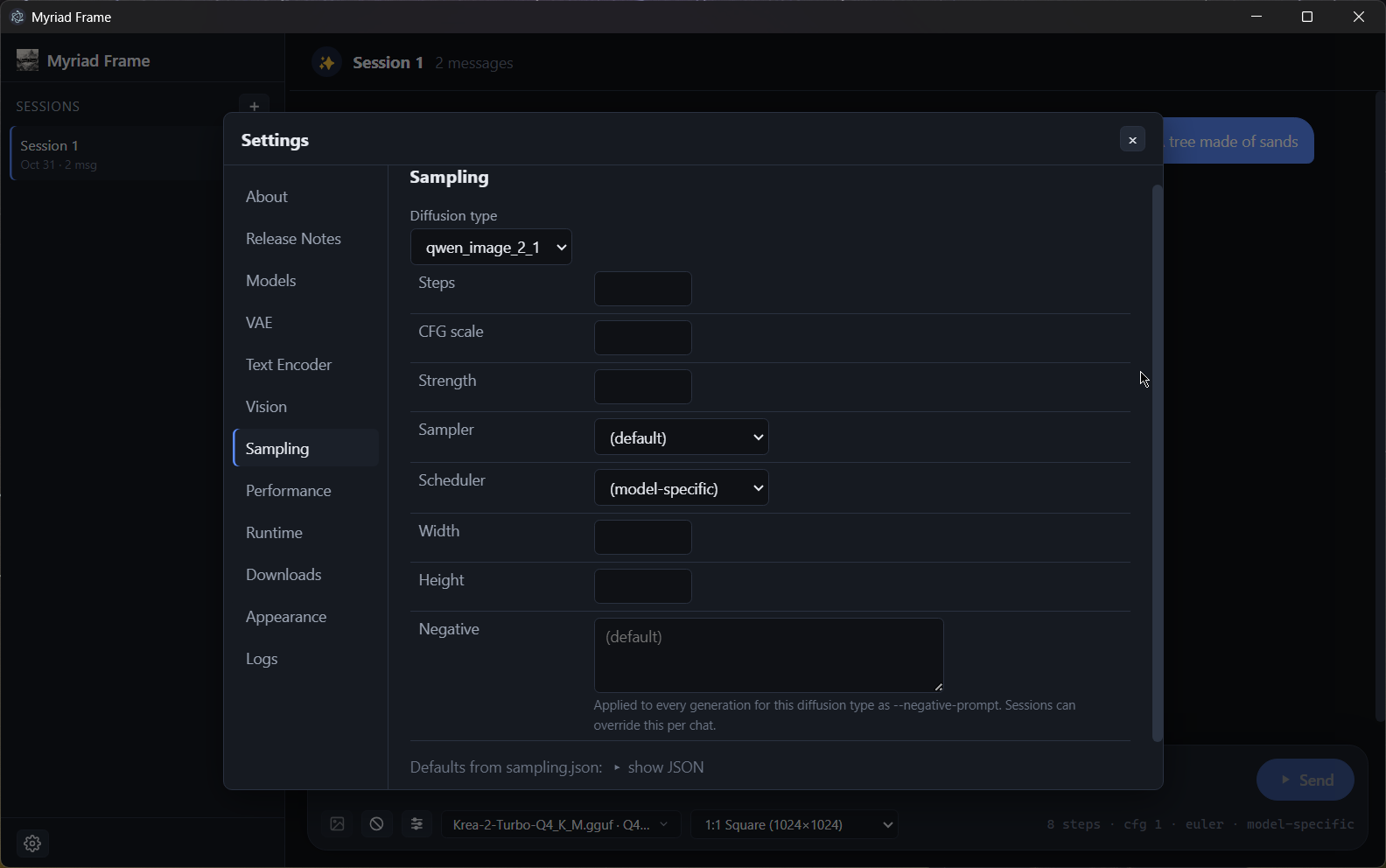
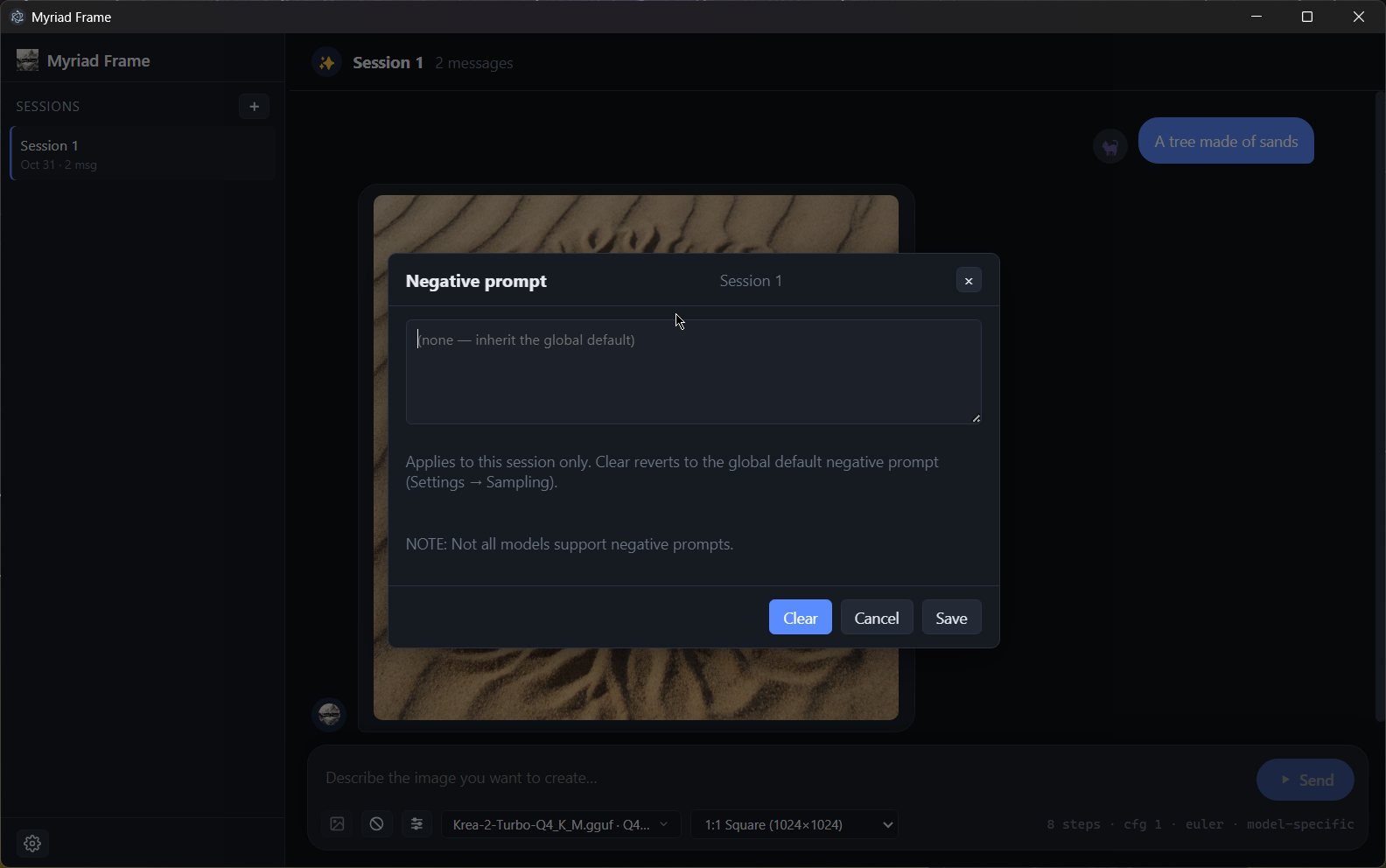
Organize generations into chat sessions with per-session sampling, negative prompt, and image-persistence settings that save automatically.

๐Ÿงฉ

Model discovery & downloads

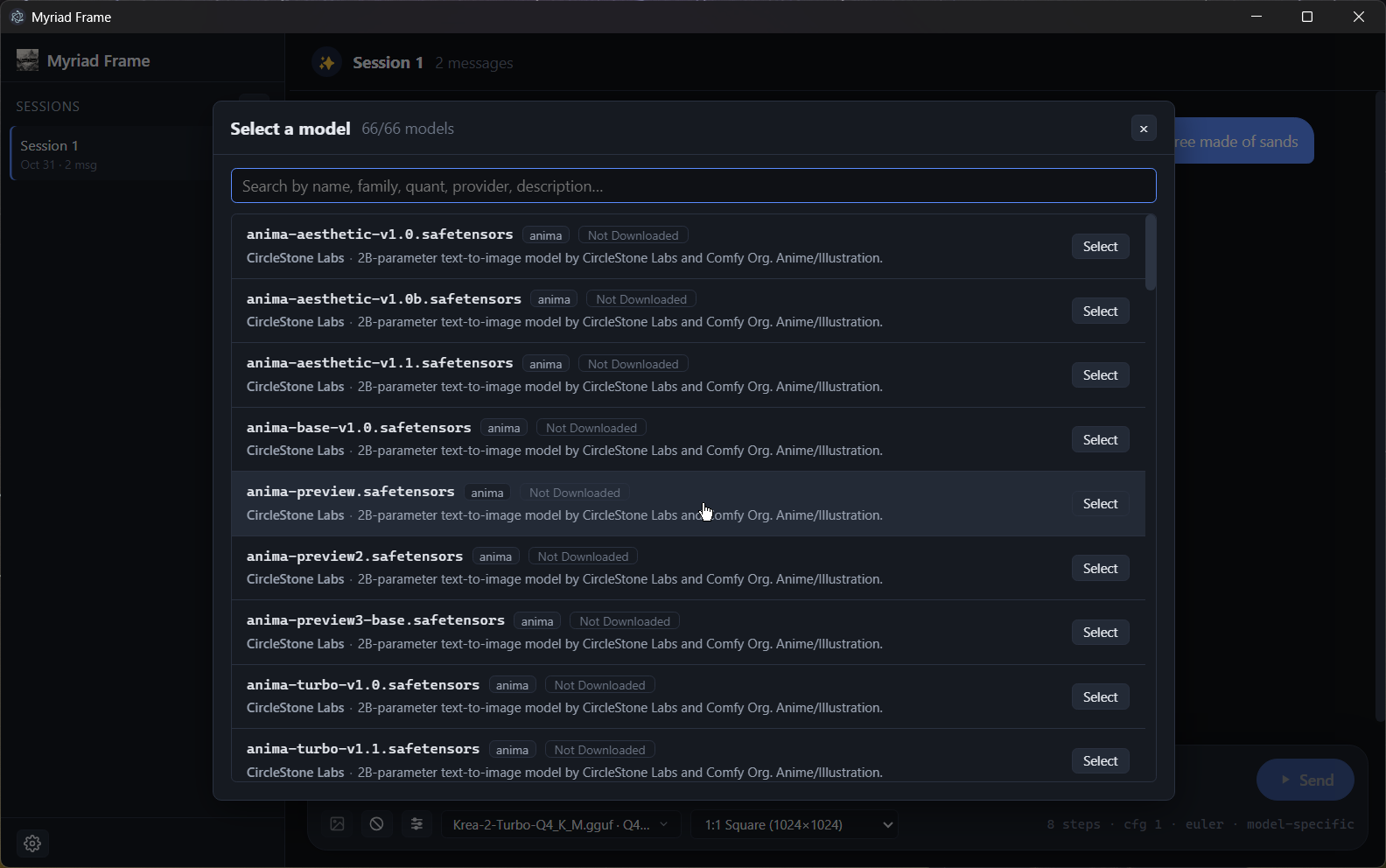
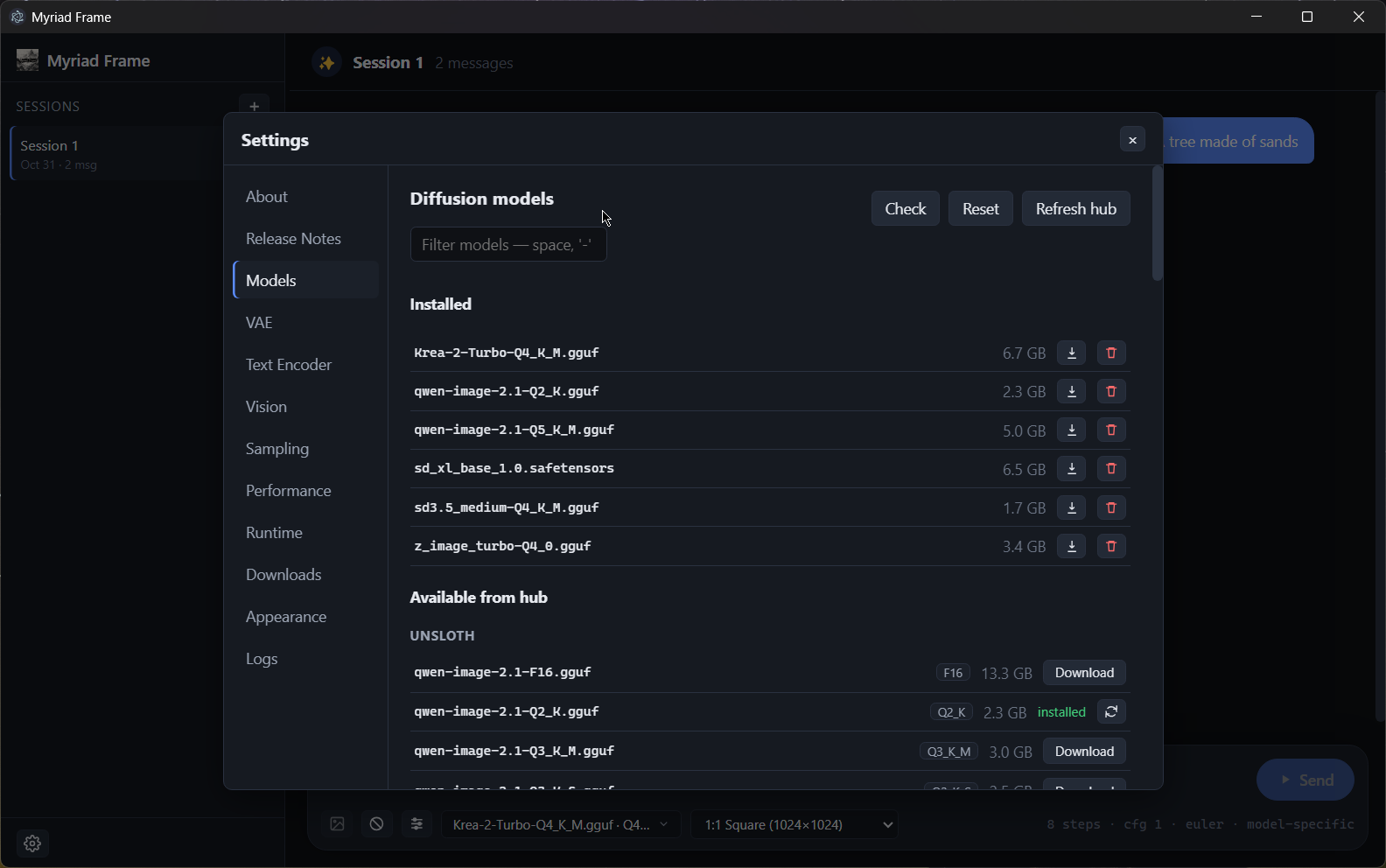
Browse a searchable catalog of quantized diffusion, VAE, and encoder models from curated Hugging Face and CivitAI sources โ€” download and manage them without leaving the app.

โšก

Fast sd-cli runtime

Runs on stable-diffusion.cpp with CUDA/Vulkan or CPU support. Recommended runtime is auto-selected per platform and GPU.

๐Ÿ–ผ๏ธ

References & image input

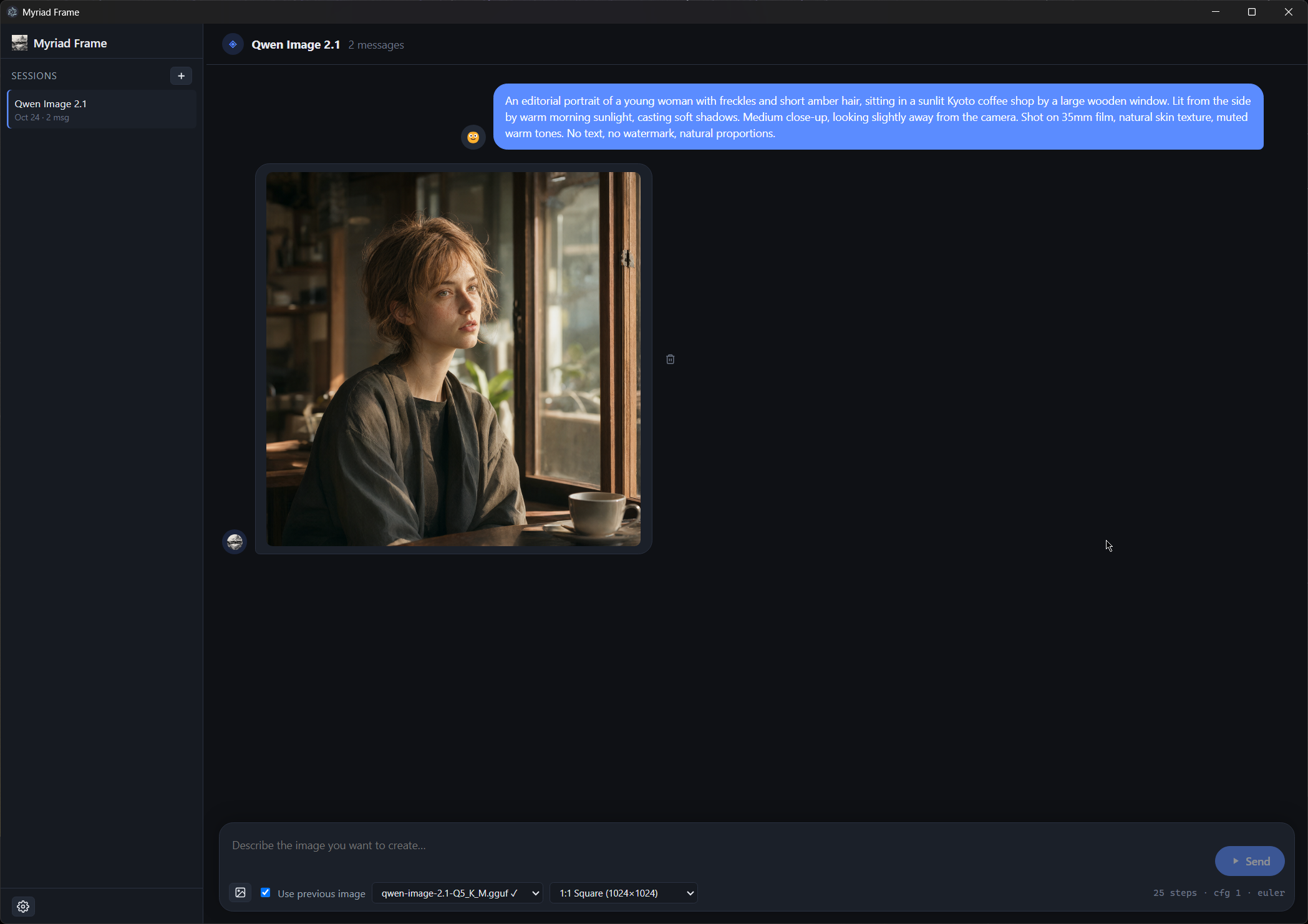
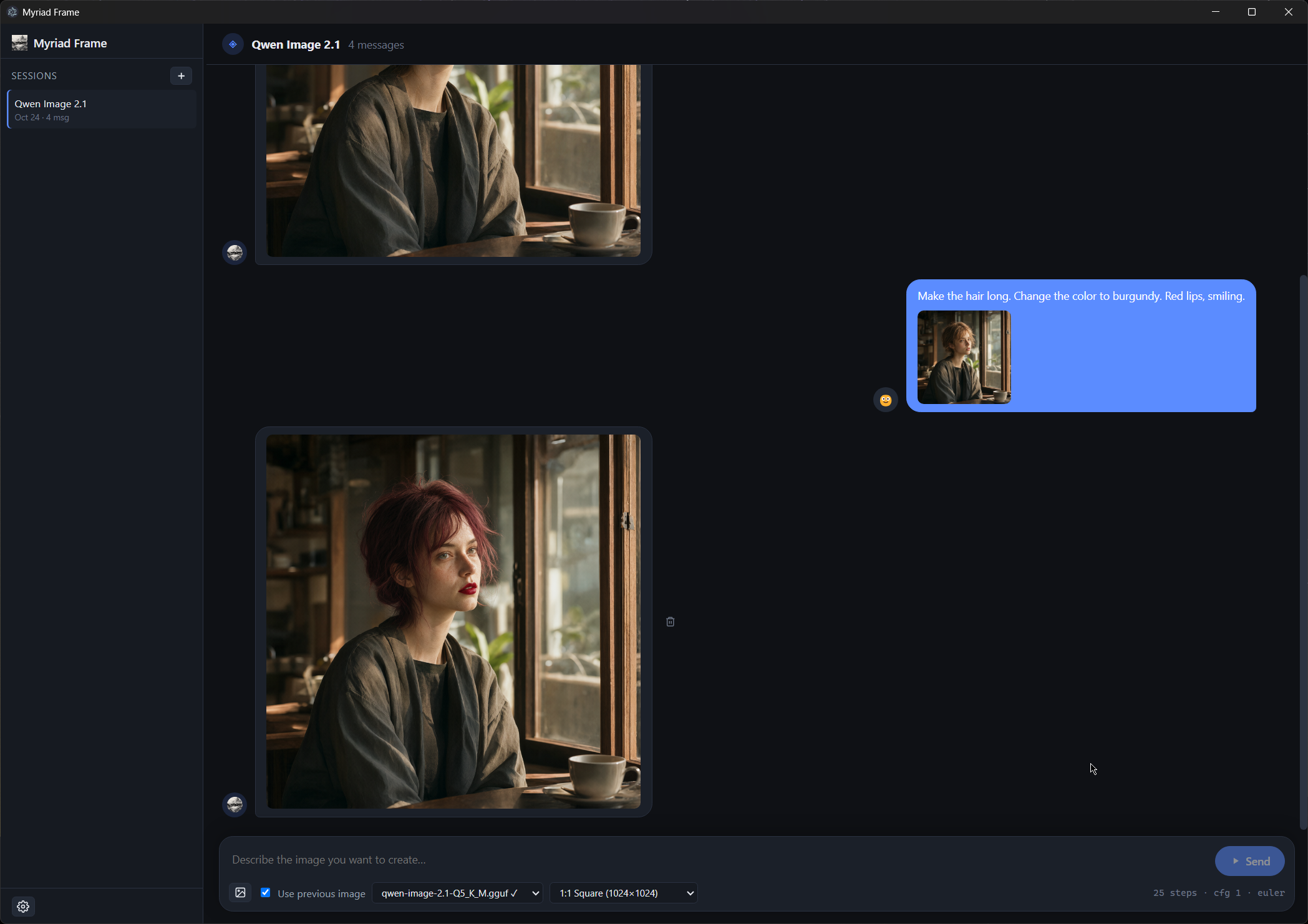
Attach reference images for style adaptation or use a previous output as an init image. Fullscreen lightbox previews every generated image.

๐ŸŽจ

Inpainting & outpainting

Paint a mask over an image to regenerate regions, or expand the frame outward โ€” all with an in-canvas editor, no external image tools required.

๐Ÿ”Œ

LoRA support

Browse, download, and apply LoRA adapters per generation with a management UI and per-session apply mode.

๐ŸŽ›๏ธ

JSON-driven config

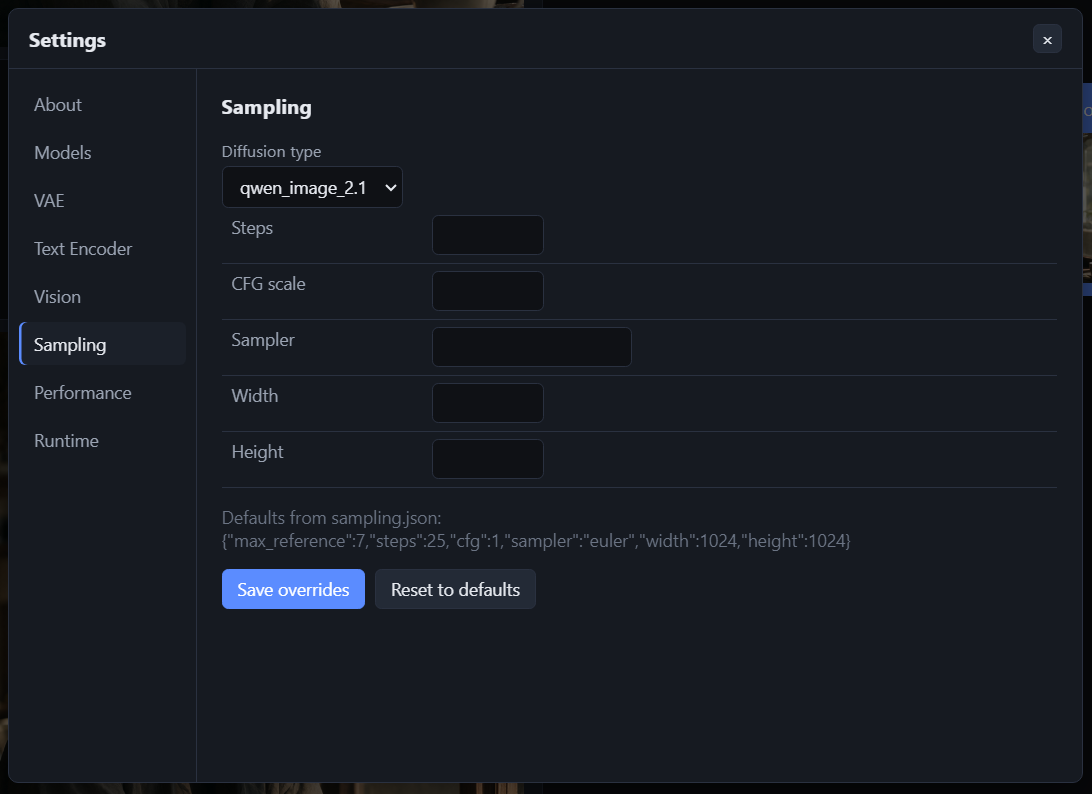
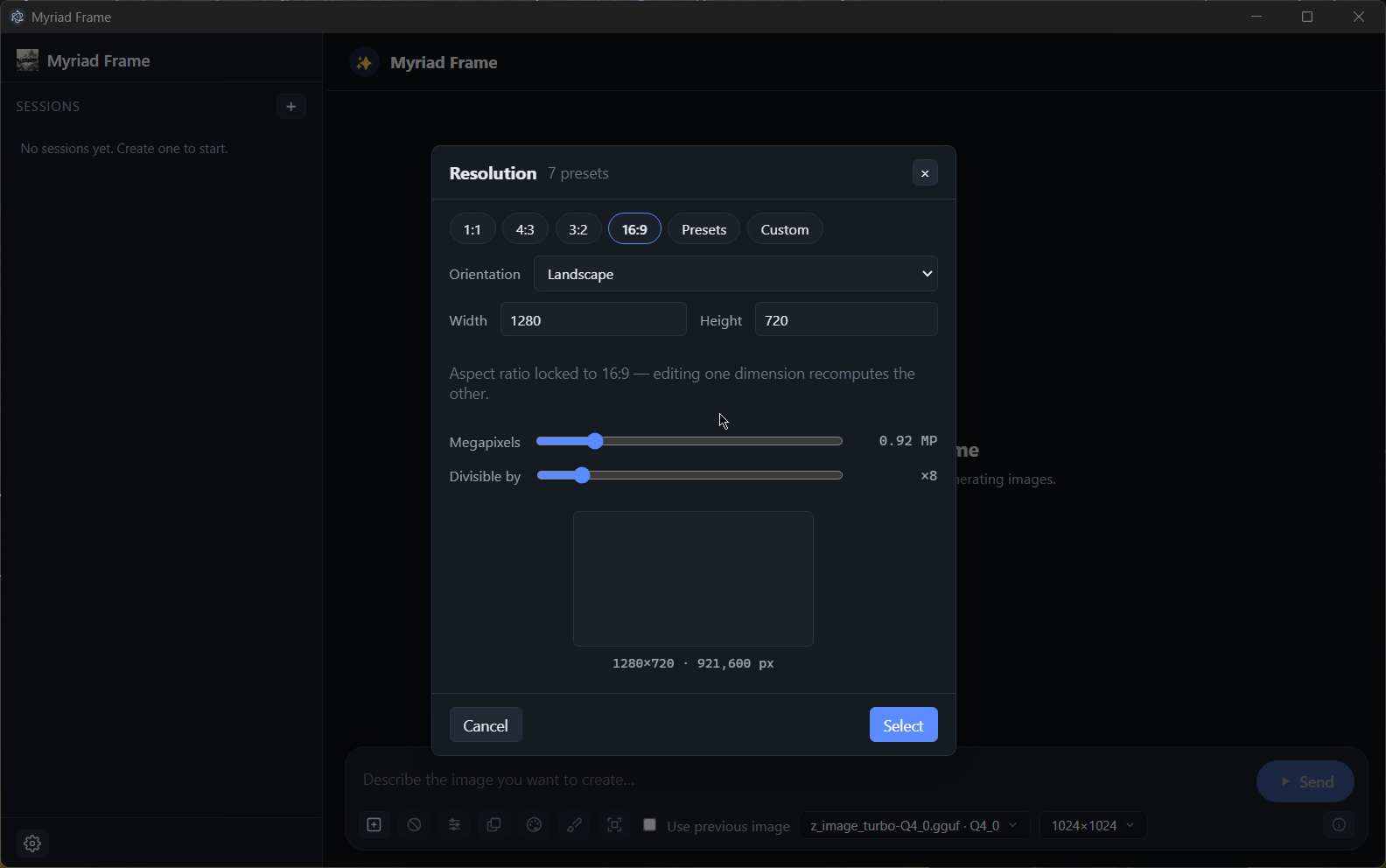
Model lists, sampling defaults, resolutions, and runtime URLs are all driven by JSON files in configurations/ โ€” edit behavior without touching code.

๐ŸŒ“

Themed UI

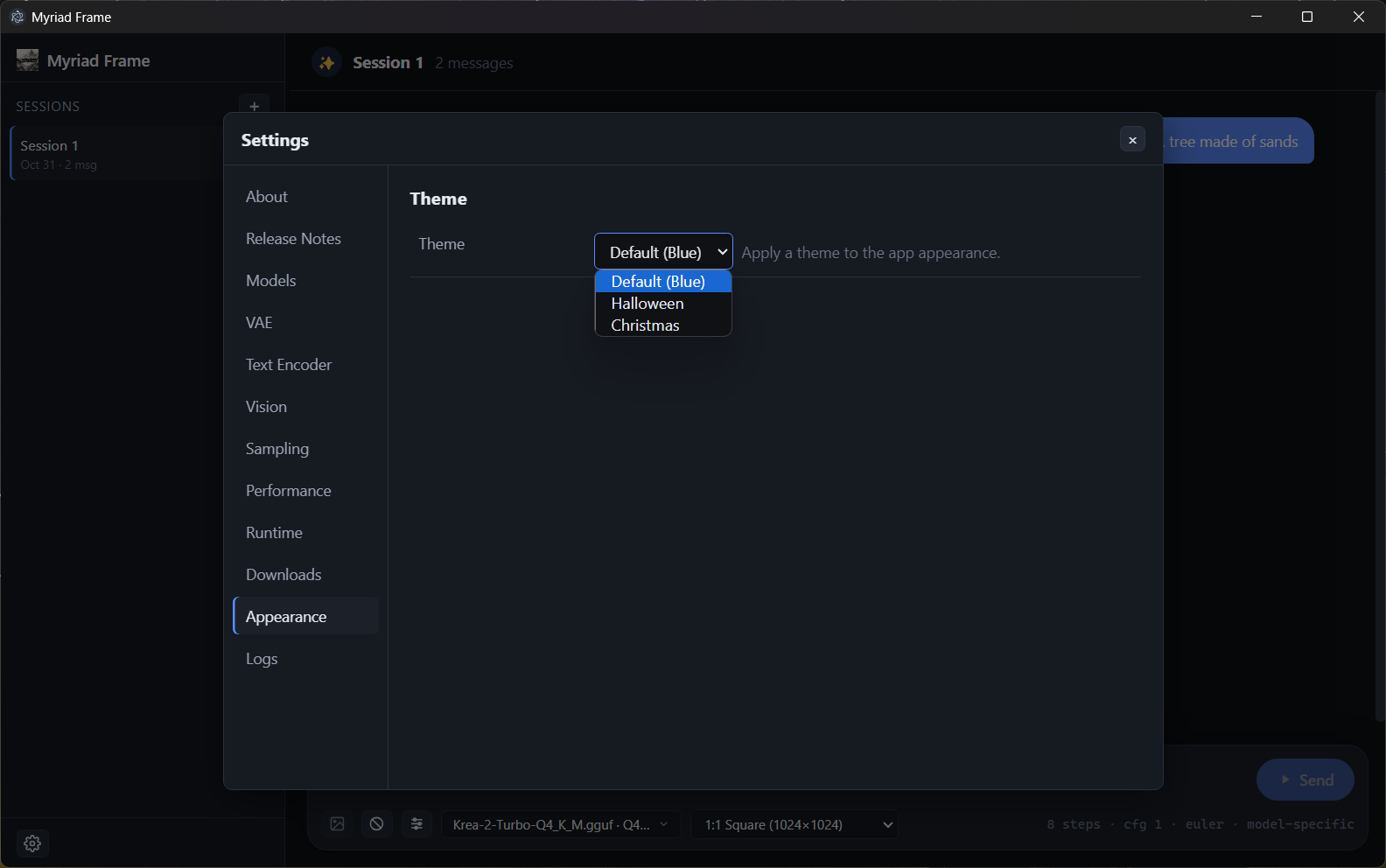
Dark-first interface with a theme picker (Default, Halloween, Christmas) and a polished, resizable layout.

๐Ÿ”

Per-source auth

Store tokens for private Hugging Face and CivitAI repos via a built-in Tokens manager โ€” never hand-edited, never logged.

Getting started

How generation works

From prompt to pixel in four steps.

STEP 01

Pick a model

Choose a quantized diffusion model (and optional VAE/encoder) from the searchable catalog.

STEP 02

Configure

Set a resolution, sampling defaults, and any reference images or prompts.

STEP 03

Generate

The main process spawns sd-cli, streams step progress, and writes results to data/output/.

STEP 04

Preview

Click any output to open a fullscreen lightbox. Regenerate, edit, or save.

Video demo

Inpainting workflow

Paint a mask over an image and regenerate the masked region โ€” no external editors.

Screenshots

Take a look

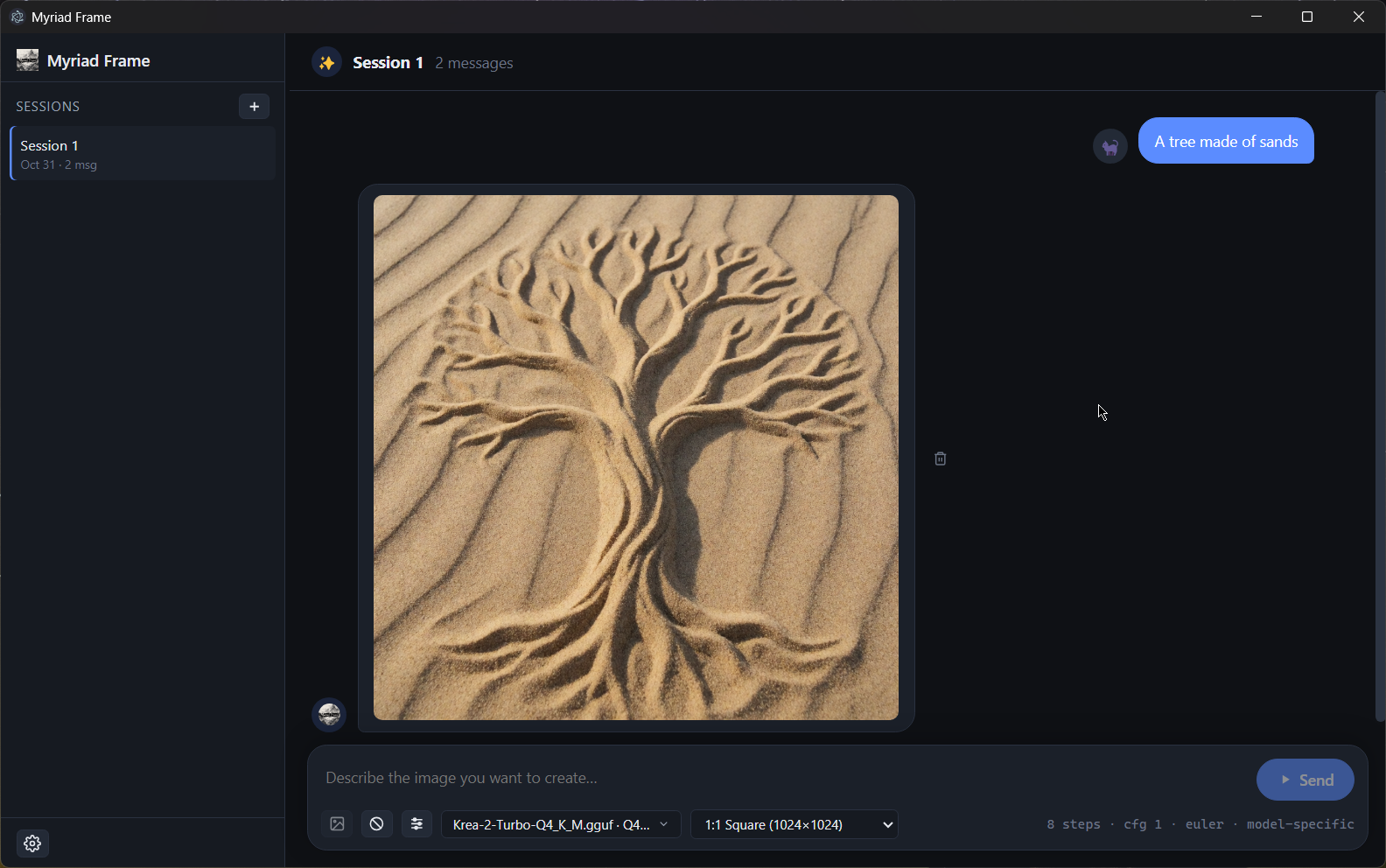
A focused, dark-first workspace built for model-heavy workflows.

Runtime & model providers

Built on open, powerful tools

Build from source

Run it yourself

Myriad Frame is free and open-source. Clone the repo and build locally.

# Install dependencies (downloads the Electron binary)
npm install

# Run in development
npm run dev

# Build a production bundle to out/
npm run build

Requires Node.js 20+. A GPU (NVIDIA CUDA or Vulkan) is recommended; CPU-only runs are supported but slower.